Edit this page on GitHub (opens in a new tab)
Pepper Sync is the synchronization engine of the Zingo wallet, built by Zingo Labs and published as the pepper-sync Rust crate. It finds your shielded funds and transactions by scanning blocks, but it does not read the chain from start to finish. It scans in priority order, so what matters for spending is handled first.
In short: Pepper Sync scans the blocks that matter first, lets you spend notes it has already found, and can be paused and resumed. The crate documentation gives no speed figures, and neither does this page. Last verified November 2026.
A wallet has to check every block for payments to its addresses. Pepper Sync does that in six steps, as the crate documentation describes them:
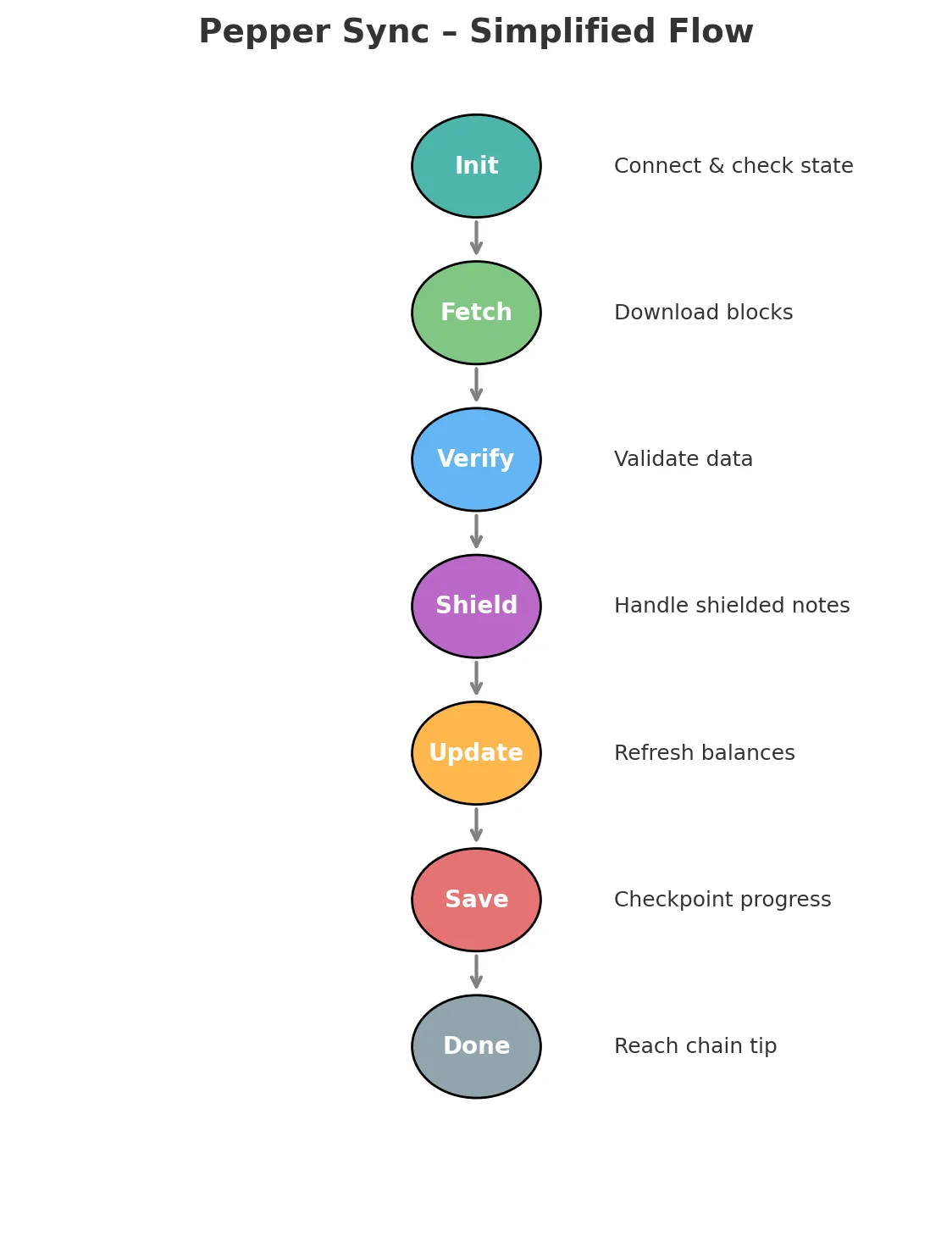
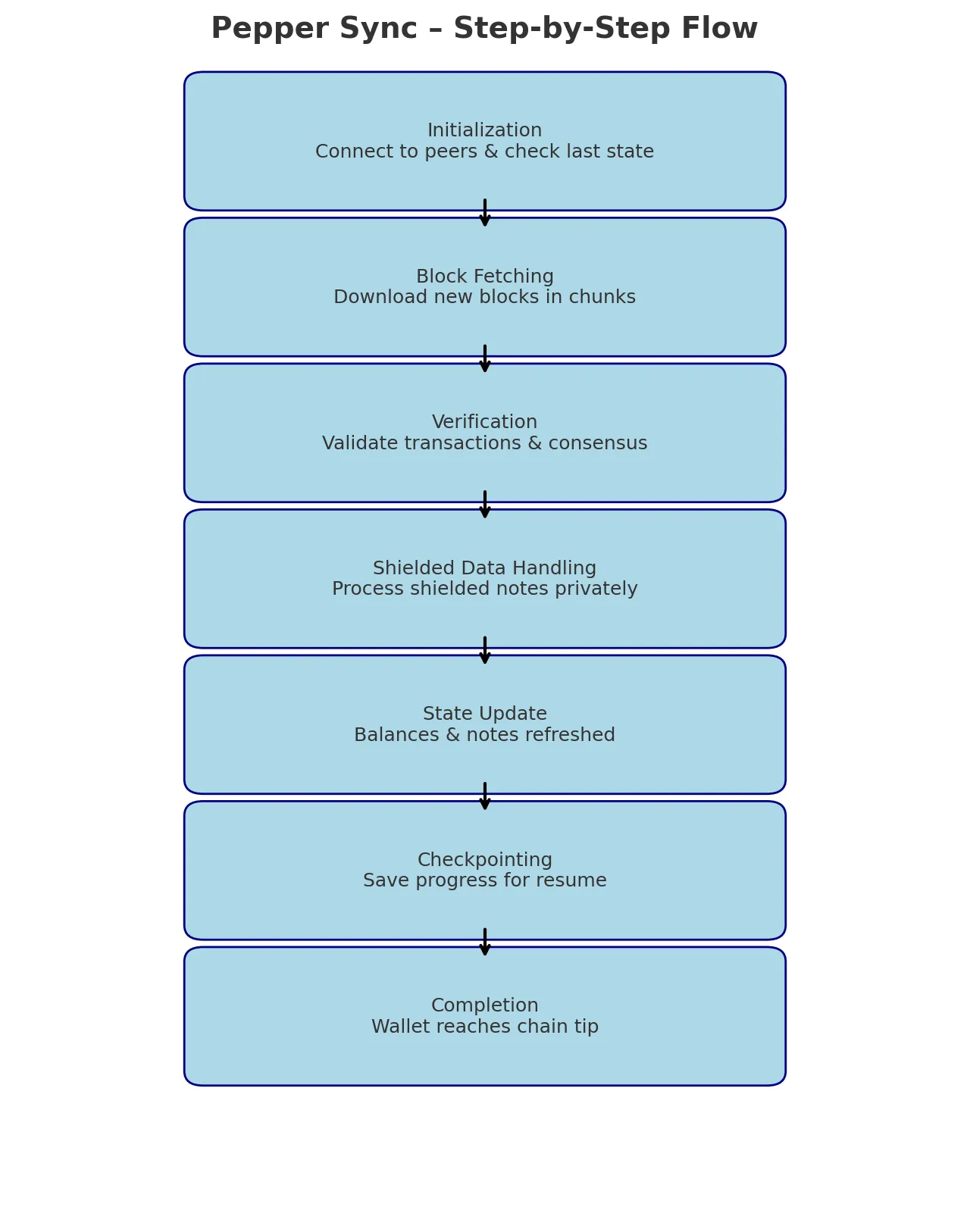
An older, linear sync is like reading a long book from page one before you may say anything about it. Pepper Sync keeps track of which pages are read, reads the chapters that decide what you can spend first, and lets you act on those before the last page.
Trial decryption happens on your device, so your keys stay with you. Syncing still talks to a light wallet server, which can see your IP address and the timing of your activity even though it cannot read shielded amounts or memos. explains this and how to reduce it.
Yes, for notes that have already been scanned. Funds in ranges that are still waiting to be scanned are not available yet.
Sync does not start over. The engine can be paused and resumed, and the wallet keeps track of the block ranges it has scanned.
It depends on your device, your connection, the server and the age of the wallet. The crate documentation gives no throughput figures and this page has no benchmark, so there is no number to quote.
No. It is the engine inside Zingo. You install Zingo, and Pepper Sync runs underneath it.
No. Pepper Sync changes the order in which blocks are scanned, not what the server learns about your connection.