Mobile Top-ups with Zcash
Recharge a prepaid phone with ZEC, with or without creating an account.
TL;DR
- You can buy prepaid mobile airtime with ZEC from online gift-card shops such as Coinsbee and CardsRelay.
- Coinsbee needs an account. CardsRelay needs only an email address for the confirmation.
- Both show you the exact ZEC amount and a payment address at checkout. Send exactly that amount before the invoice expires.
- Memos only reach shielded addresses. If a payment address is transparent, a memo will not be delivered, so keep your order ID for any refund request.
- Top-ups usually work only for prepaid numbers. Check the number and the network before you pay.
Core Explanation
A mobile top-up adds airtime or data credit to a prepaid phone number. Several shops that sell gift cards for crypto also sell top-ups for hundreds of mobile networks around the world, and some of them accept ZEC.
The flow is the same everywhere: choose the country and network, enter the phone number and amount, pay the invoice in ZEC, and wait for the credit to arrive. Below are two options: Coinsbee (account required) and CardsRelay (no account).
Option 1: Coinsbee (account required)
1. Create an account
Visit Coinsbee.com and create an account.
2. Select your country and network
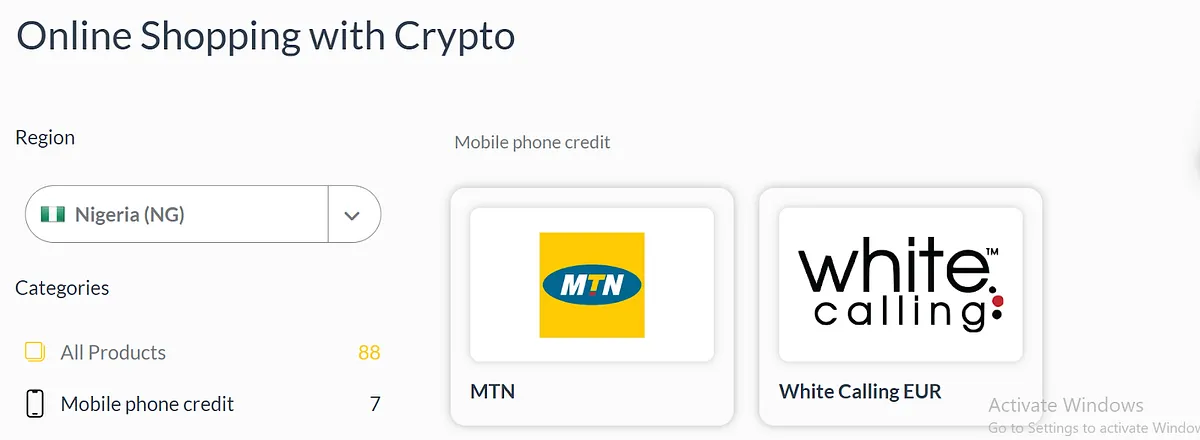
Select your country in the top left corner, choose mobile phone credit, and select the network you want to top up (for example, MTN).
3. Fill in details and purchase
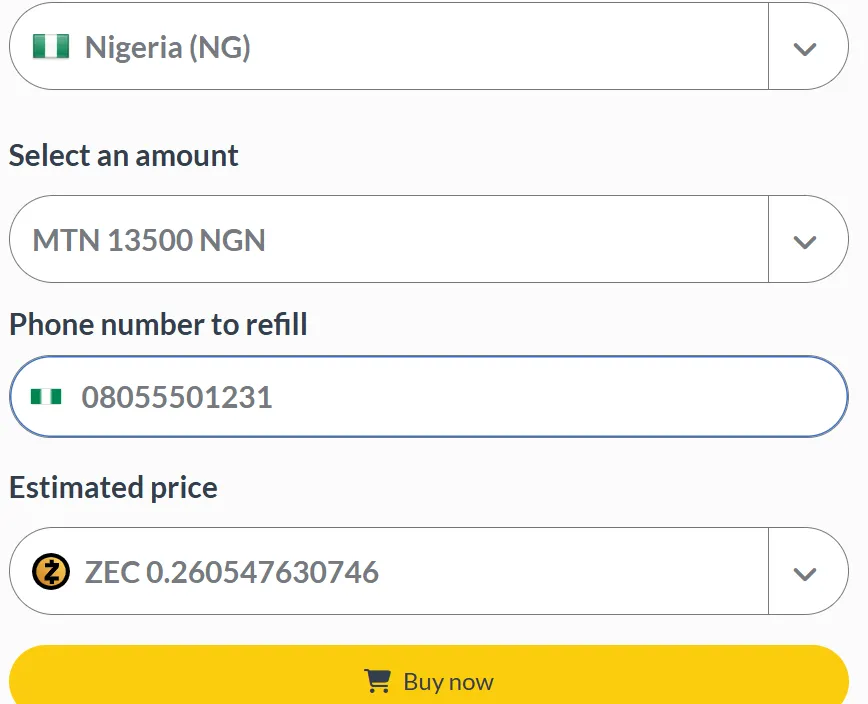
Enter the phone number and amount, then click "Buy Now". Open the cart to view your order, click continue, and choose ZEC as the payment method.
4. Payment details
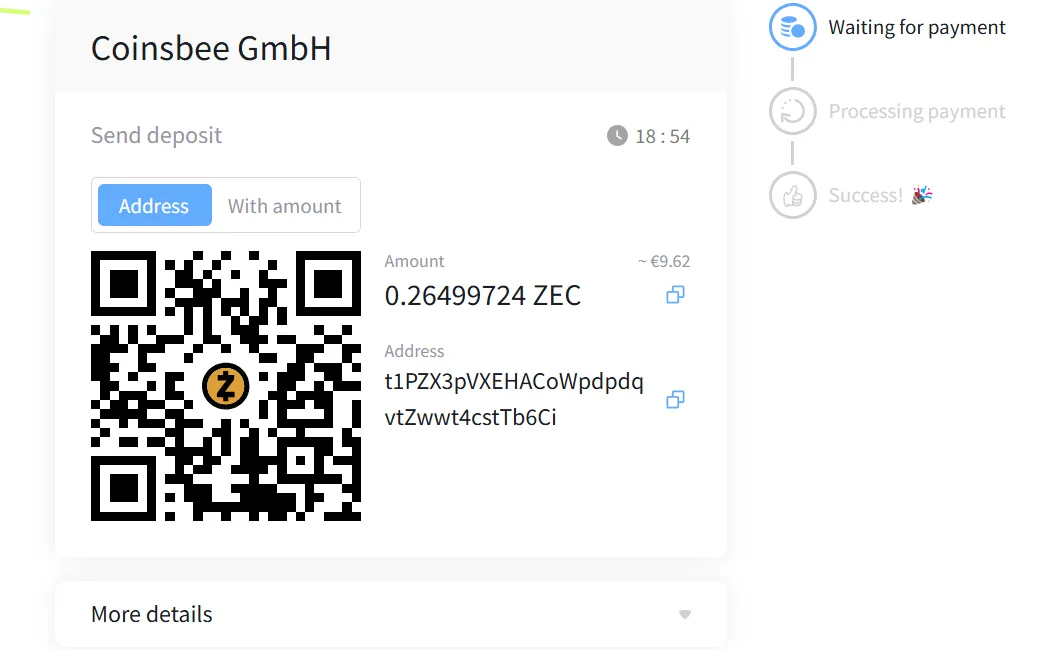
The invoice shows the amount in ZEC and the address the funds should be sent to. In the example below, the address is transparent.
5. Send the payment
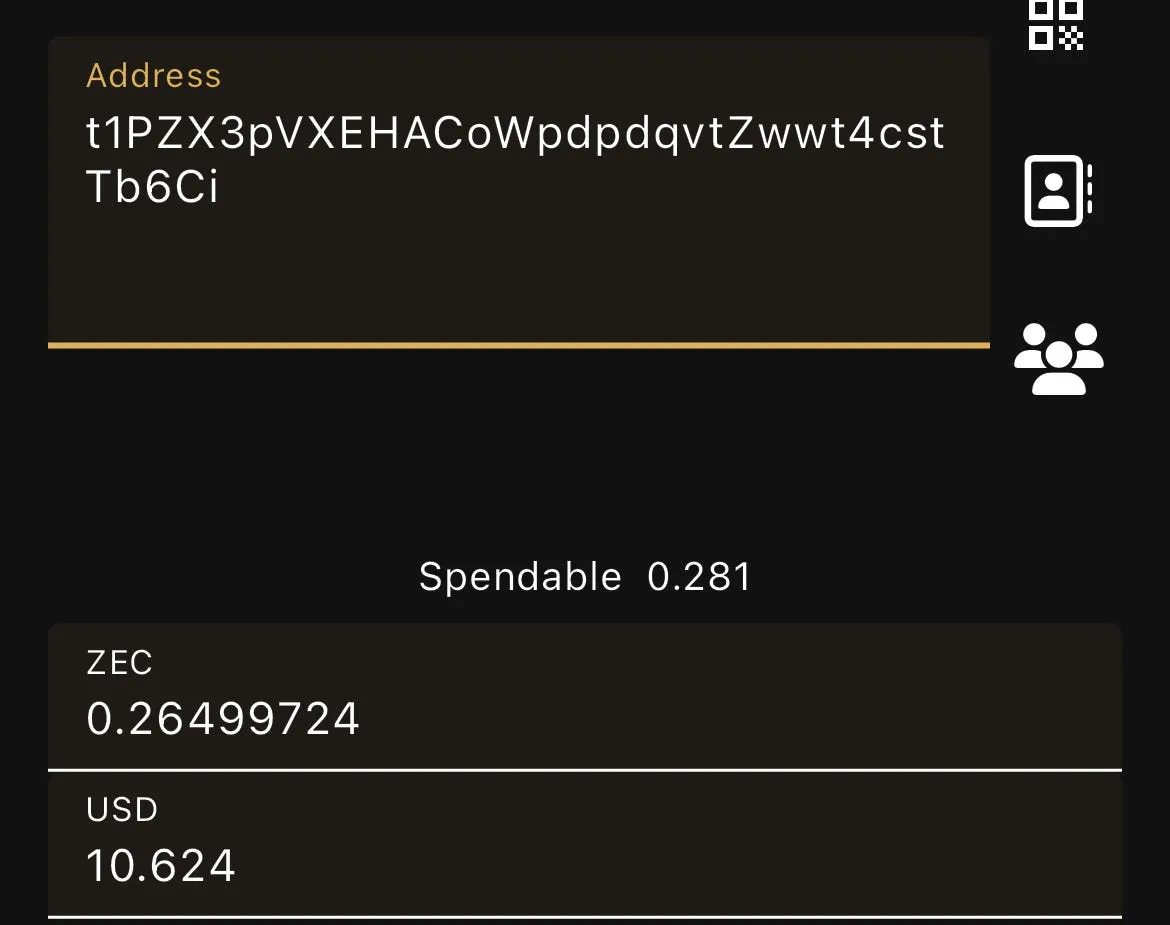
Copy the amount and address carefully and send the full amount before the invoice countdown ends. An underpaid or expired invoice is not fulfilled.
Do not rely on the memo field for refunds: memos are only delivered to shielded addresses, and a payment to a transparent address carries no memo. Instead, keep your order ID. Coinsbee invoices are handled by a payment provider, and its help center explains how to request a refund from that provider if an order is underpaid or expires.
6. Processing
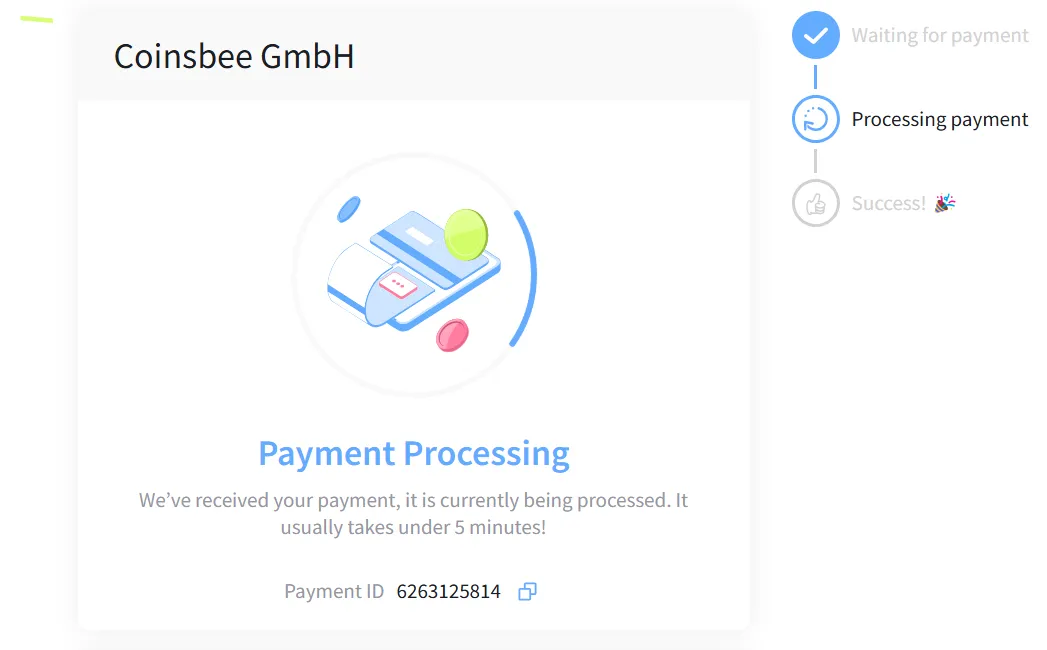
Once the payment is confirmed, the order is usually processed within a few minutes.
7. Confirmation
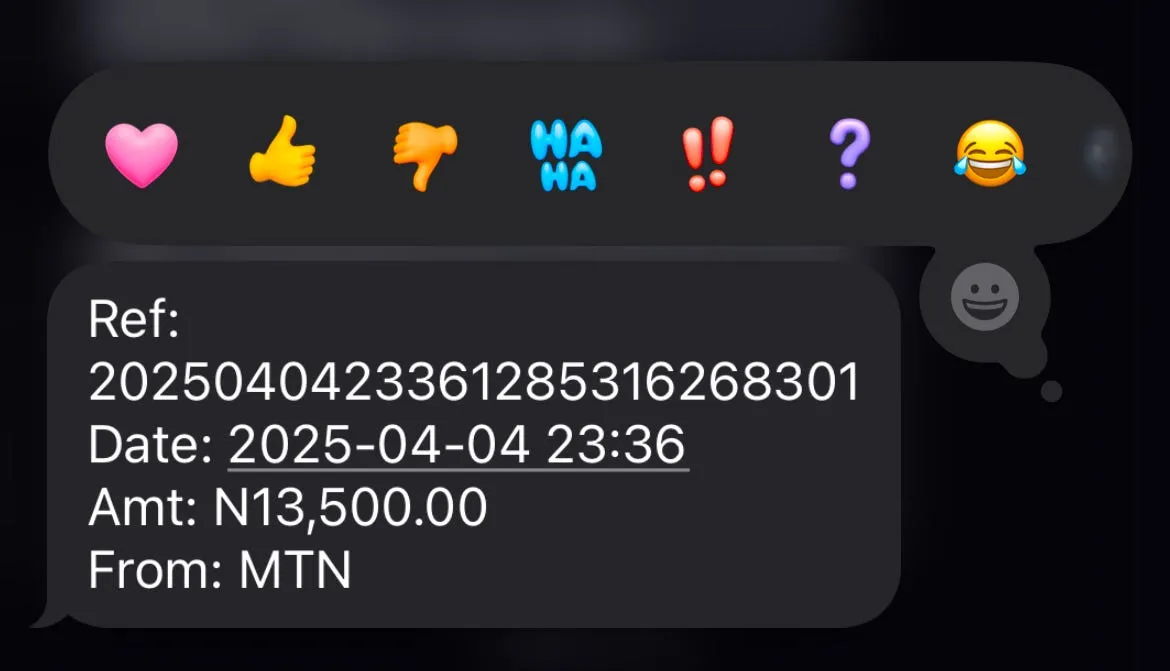
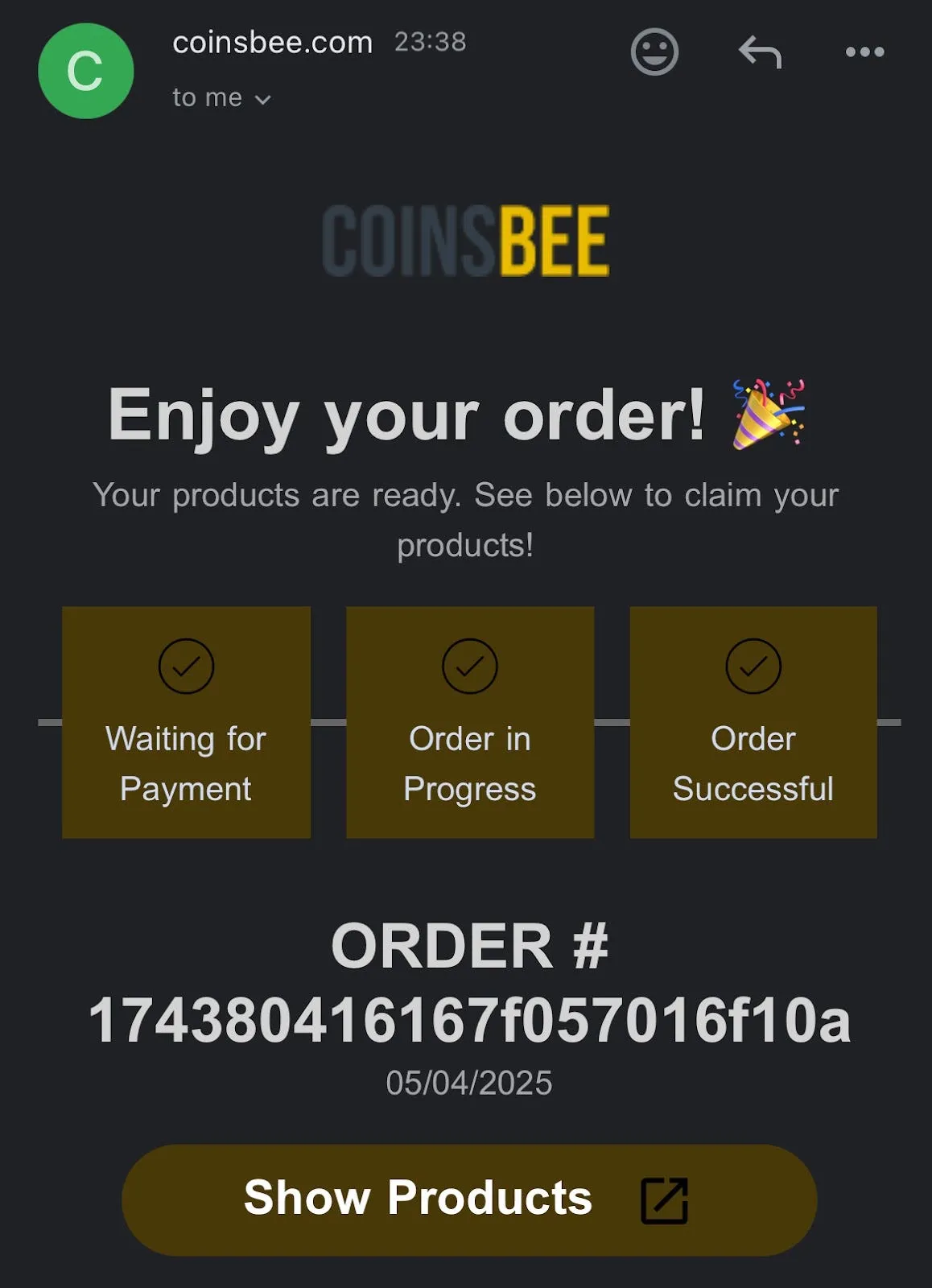
The credit arrives on the phone line. If you confirm your email during checkout, you also get an email once the order is complete.
Option 2: CardsRelay (no account)
If you would rather not create an account, CardsRelay sells mobile top-ups for ZEC without registration.
1. Choose your country and operator
Visit CardsRelay and open the Mobile Top Ups section. Over 750 operators are supported globally.
2. Enter the number and amount
Fill in the mobile number to be credited and choose the top-up value. The price shown is a single all-in total, with no separate exchange-rate markup added later.
3. Enter your email
An email address is required so the confirmation can be delivered, and it is verified before the order is placed. No account is created and no identity documents are requested.
4. Pay with ZEC
Select Zcash at checkout. ZEC is accepted directly rather than converted by a third party. A payment address and the exact amount are shown.
5. Confirmation
The top-up is processed and confirmation arrives by email, usually within seconds.
CardsRelay also sells gift cards for around 2,500 brands, and accepts Monero and Zano alongside Zcash. It is operated by Payzy ME FZ Ltd.
Troubleshooting
- The credit never arrived. Top-ups usually work only for prepaid numbers. Check the number for typos, and make sure you picked the right network (a recently ported number may still show the old one).
- The order was refunded instead of fulfilled. Some networks limit how many top-ups a number can receive per day or month, and networks sometimes have outages. Try again later or contact the shop's support.
- The invoice expired or was underpaid. The shop does not fulfill the order. Request a refund with your order ID through the shop's help center.
Other Places to Spend ZEC
More and more online stores and merchants accept ZEC for goods and services, especially those that care about private payments.
If you own a business and want to accept ZEC, Pay with Zcash can add your business to its list of merchants that accept ZEC.