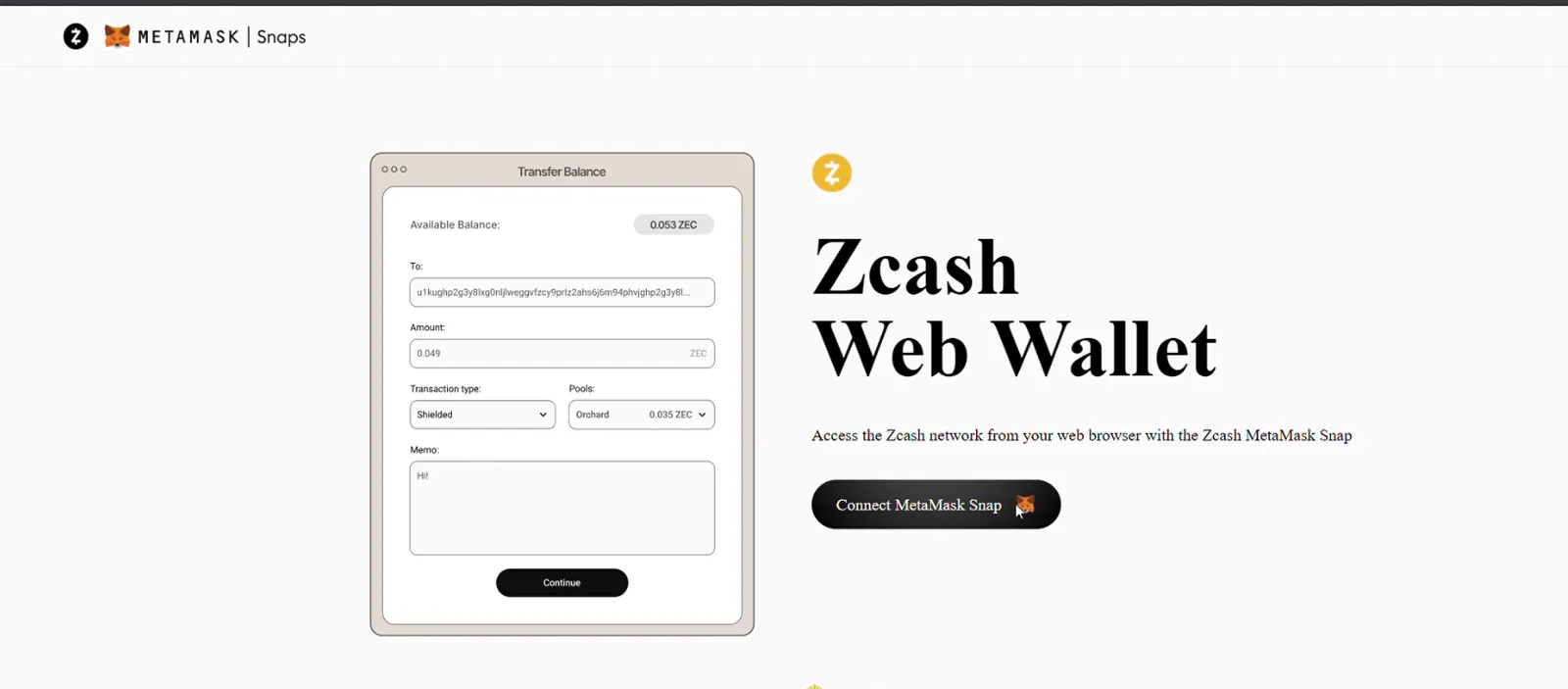
Hold and send shielded ZEC from the MetaMask browser extension, using ChainSafe's Zcash Snap and the WebZjs web wallet.
TL;DR
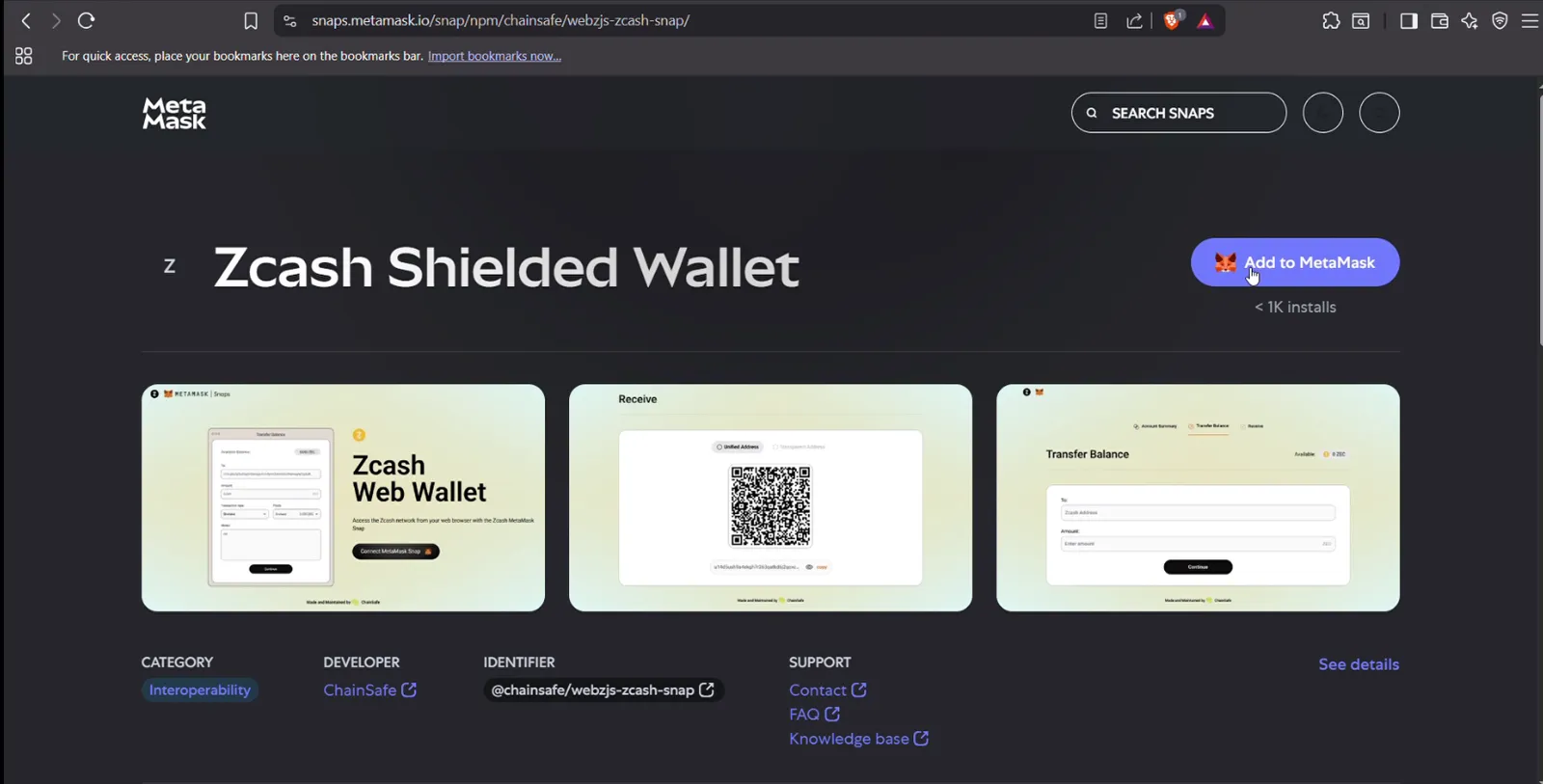
The ChainSafe Zcash Snap adds shielded ZEC to MetaMask on desktop (Chrome, Edge, Firefox). No separate Zcash software is needed.
Your Zcash keys are derived from your MetaMask recovery phrase. That one phrase now protects both your ETH and your ZEC.
You manage ZEC through the WebZjs wallet at webzjs.chainsafe.dev, not in MetaMask's own asset list.
Your account gets a unified address, so senders pay you in the most private pool they support.
Fund it by swapping (for example ETH to ZEC) or by withdrawing ZEC from an exchange to your shielded address.
Recovery: reinstall MetaMask and the Snap, then import your existing recovery phrase.
Core Explanation
A MetaMask Snap is a small, sandboxed add-on that teaches MetaMask a new blockchain. The Zcash Snap, built by ChainSafe and audited by Hacken, lets MetaMask derive Zcash keys from your existing recovery phrase and sign Zcash transactions.
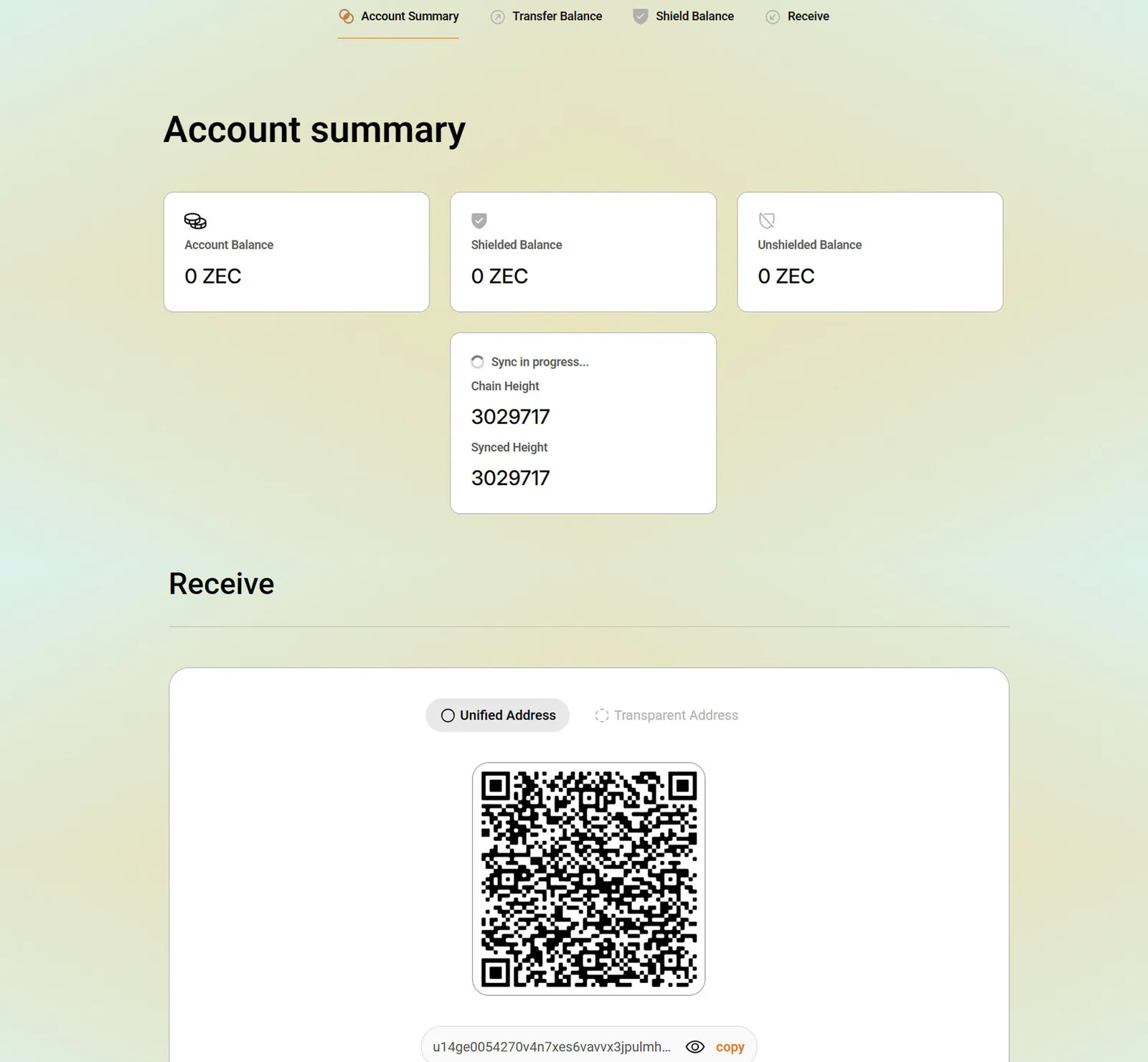
MetaMask itself does not show a ZEC balance. Instead, the WebZjs web wallet connects to the Snap, syncs with the Zcash network through a lightwalletd server, and shows your addresses and balance. Shielded proofs are computed in your browser with WebAssembly, which is why sends can take a moment.
The steps below cover installing the Snap, connecting WebZjs, funding the wallet, sending and receiving, and checking the parts of your unified address.
Full Guide
For a full walkthrough and visual explanation, watch this YouTube guide:
MetaMask now supports shielded Zcash (ZEC) via the ChainSafe-developed Zcash Snap, allowing you to send, receive, and manage private ZEC directly in your browser wallet. Audited by Hacken and listed in the official MetaMask Snaps Directory, it requires no separate Zcash software - only MetaMask and the Snap.
Prerequisites
MetaMask Extension (desktop only) - Chrome, Edge, or Firefox.
MetaMask Account - Seed phrase secured; Snap derives Zcash keys from it.
Stable Internet Connection - For syncing with the Zcash network.
Funds - ETH to swap for ZEC or ZEC from an exchange.
Tip: Protect your MetaMask recovery phrase - it controls both ETH and ZEC.
https://zjs.zec.rocks is a WebZjs-compatible (gRPC-web) lightwalletd server run by zec.rocks (@emersonian). For testnet, use https://zjs.zec.rocks/testnet. If you run the WebZjs web wallet yourself, this is the value to set as LIGHTWALLETD_PROXY.
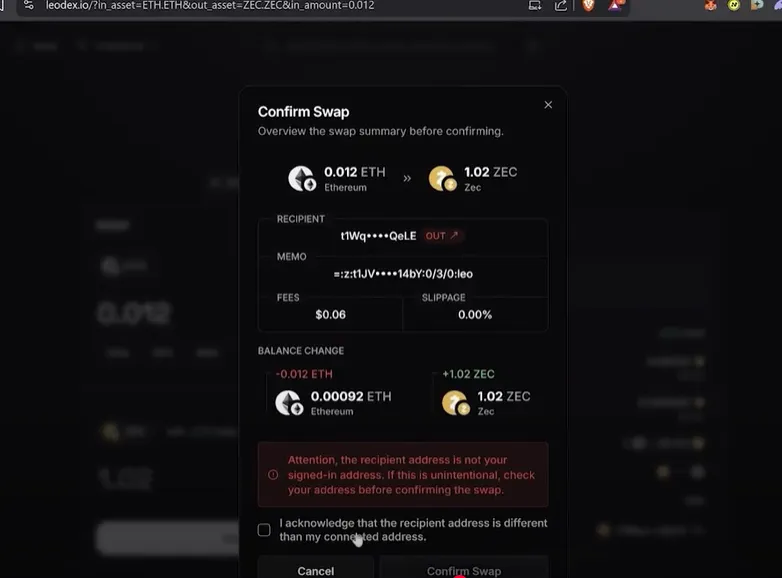
Swap ETH -> ZEC - Use services like LeoDex and send to your shielded address. Exchange Withdrawal - Withdraw purchased ZEC to your WebZjs shielded address.
=> Use shielded (z) addresses for full privacy.
5. Send / Receive ZEC
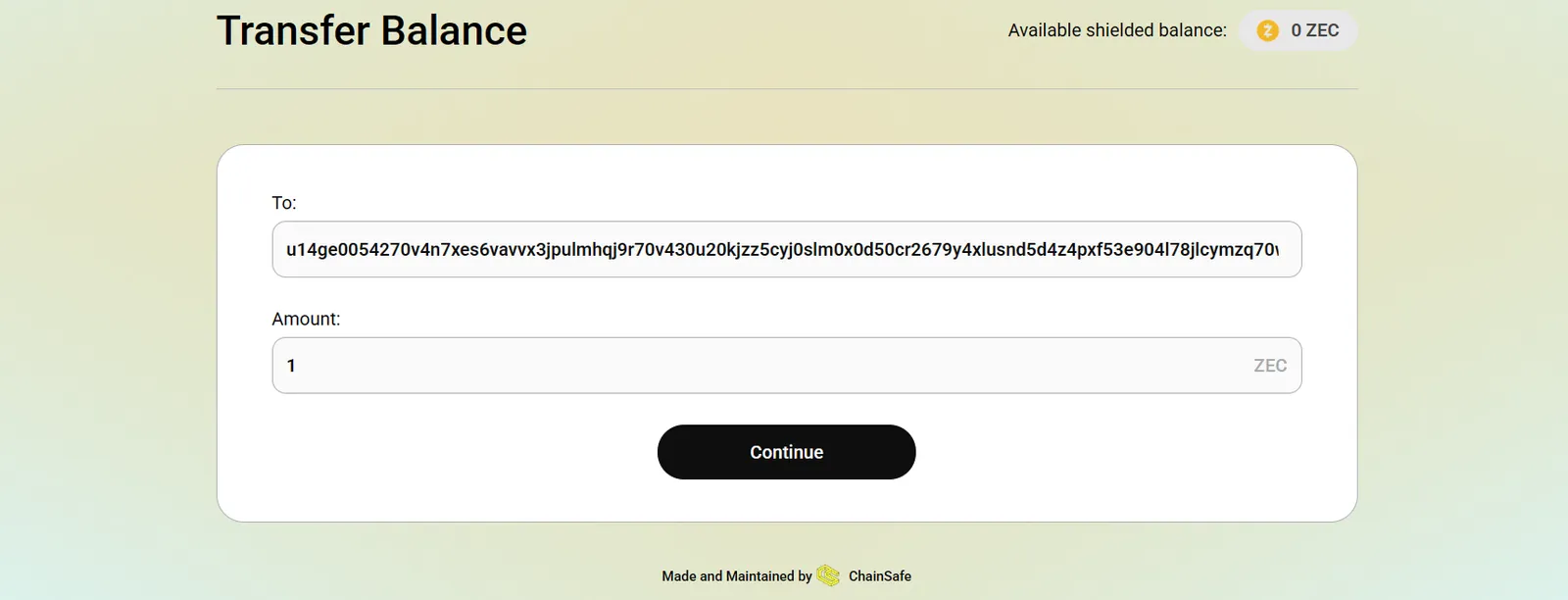
In WebZjs, go to Transfer Balance.
Enter:
Code-highlight
   - Shielded recipient address
   - Amount
Confirm transaction in MetaMask (sign the transaction).
Received funds will appear in WebZjs after confirmation.
6. Verify / Troubleshoot
Check WebZjs for updated balances (MetaMask has not listed ZEC directly) .
If issues occur:
Code-highlight
- Confirm you have the official ChainSafe Snap.
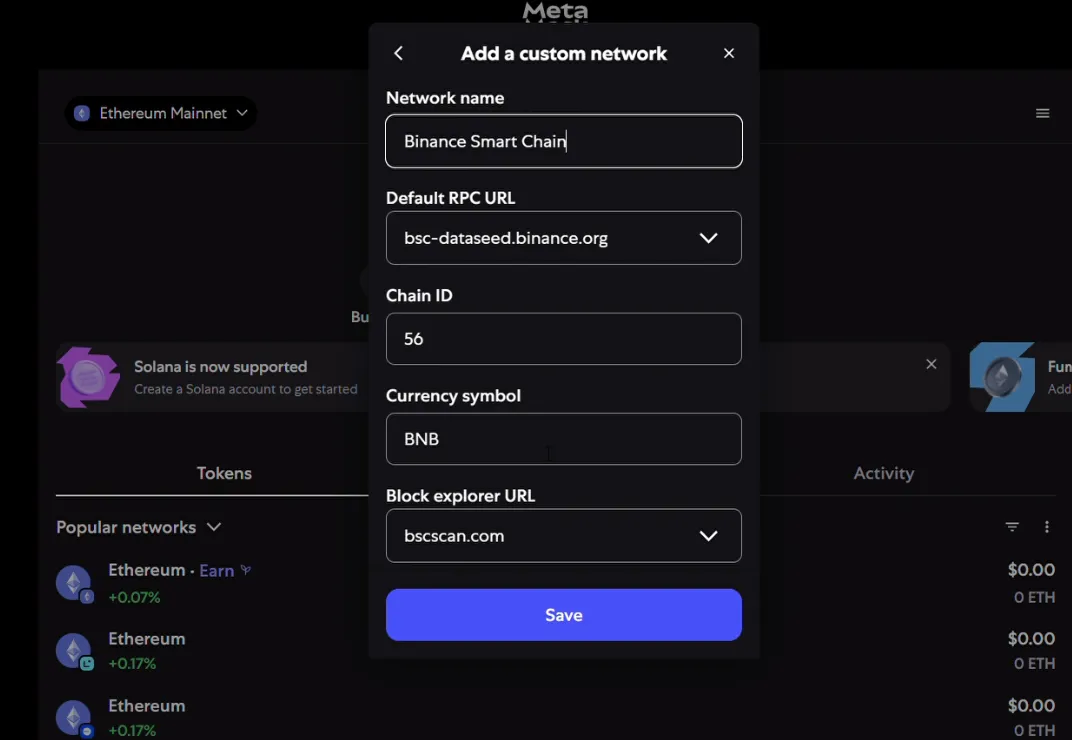
- Check correct network settings.
- Ensure correct address format.
- Reconnect via **Connect Snap** if needed.
Security Tip: Only install the audited ChainSafe Snap; review permissions before approval.
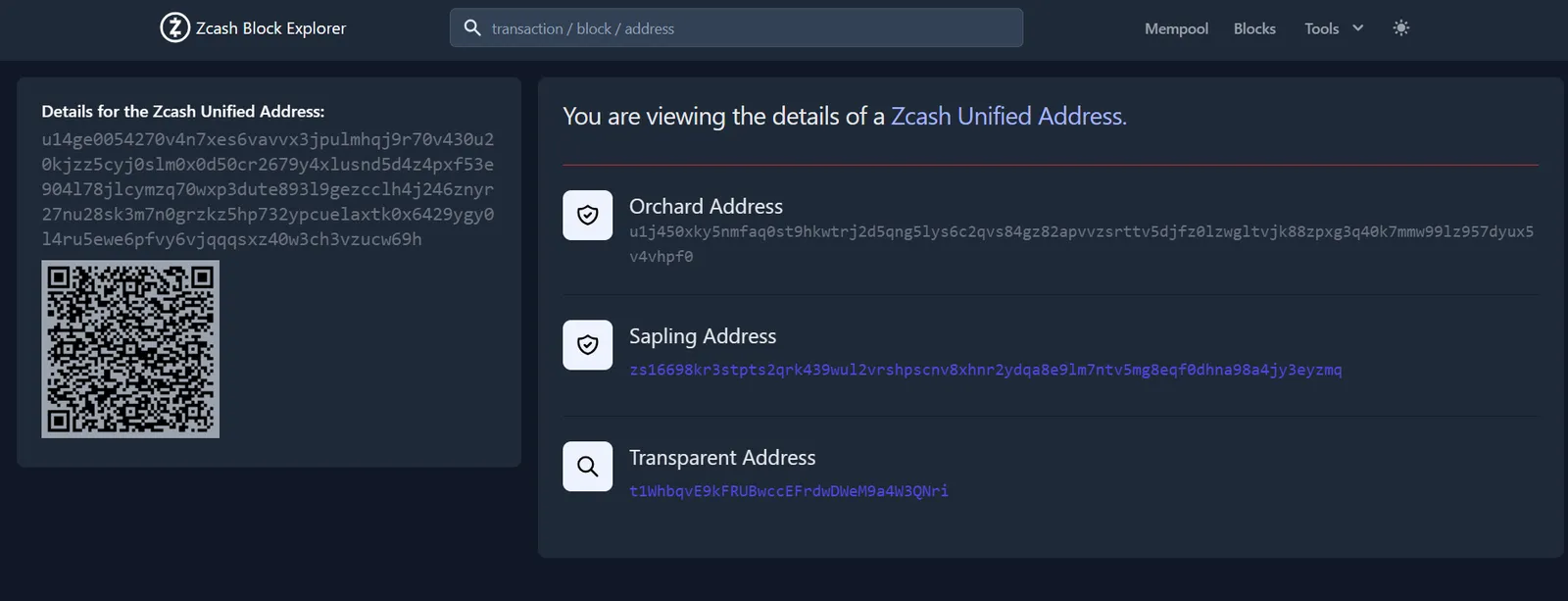
7. Check Address Components
Go to the Receive section - your Unified Address will be displayed by default.
Use the latest MetaMask version - public release supports Snaps.
Shielded proofs may take time, WebAssembly handles computation in-browser.
Recovery is simple,install MetaMask and the Snap, then import your existing seed.
The Snap defaults to shielded ZEC, transparent addresses are not the focus.
Use mainnet.zcashexplorer.app for transaction confirmations.