Edit this page on GitHub (opens in a new tab)
Pretty Good Privacy (PGP) is a cryptographic software package that provides secure communication over insecure channels. PGP uses a combination of encryption and digital signatures to ensure that only the intended recipient can read a message and that the sender is who they say they are.
Know the limits. PGP encrypts the body of a message and any attachments. It does not hide who is writing to whom, or the subject line, and it does not give forward secrecy: anyone who later gets your private key can read old messages saved to disk. For live chat, see Secure Messengers.
| Tool | Platform | Notes |
|---|---|---|
| GnuPG | Linux, macOS, Windows | The free, open-source reference implementation. On Windows it comes with Gpg4win, on macOS with GPG Suite. |
| Thunderbird | Windows, macOS, Linux | OpenPGP support is built in since version 78, so no extra software is needed. |
| Mailvelope | Chrome, Edge, Firefox | Free, open-source browser add-on that adds PGP to webmail such as Gmail. |
More options are listed at openpgp.org/software.
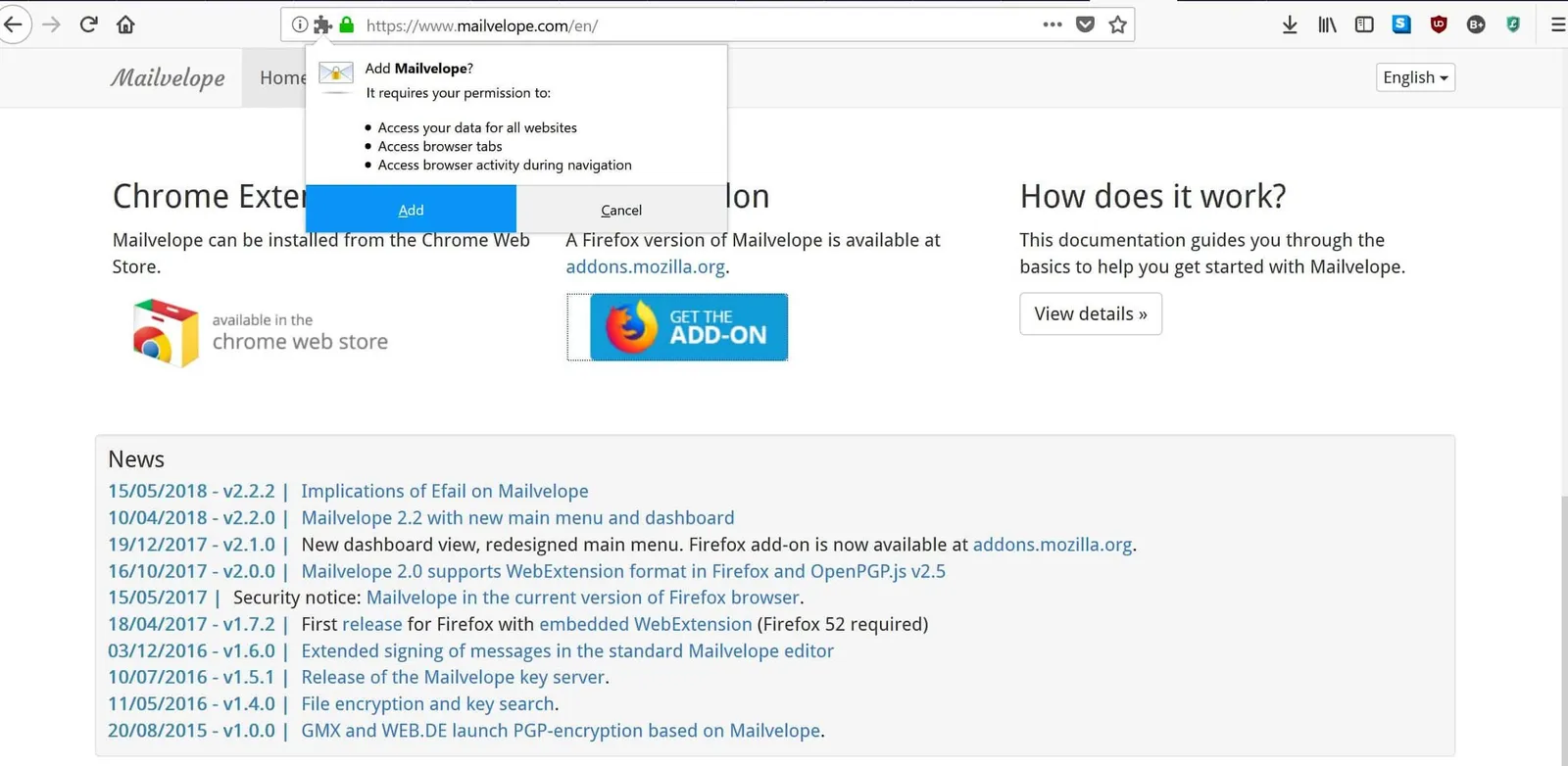
PGP works with a key pair: a public key you share, and a private key you keep secret.
Use one of the tools above.
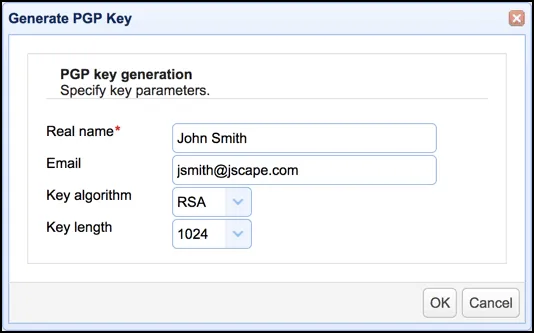
Click Generate Key and enter your name and email address.
Accept the modern default (Curve25519) if your software offers it. If you pick RSA, use at least 3072 bits; 4096 is common. A longer key is stronger, but only up to that point.
Click Generate. The passphrase you set encrypts your private key on disk, so make it long and unique.
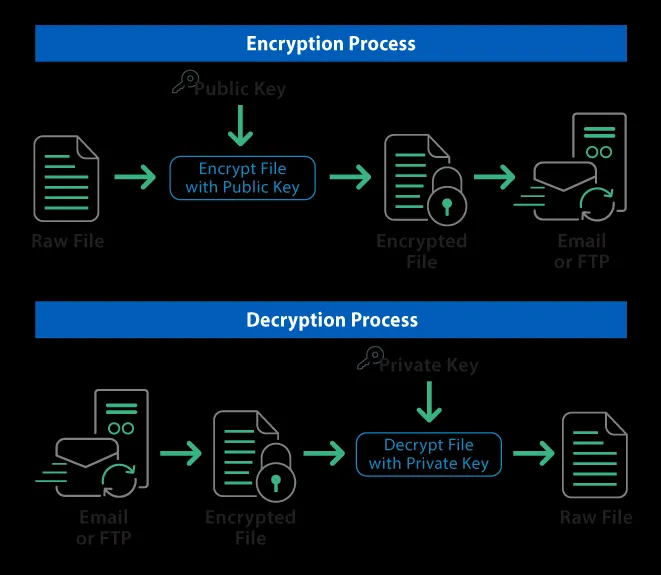
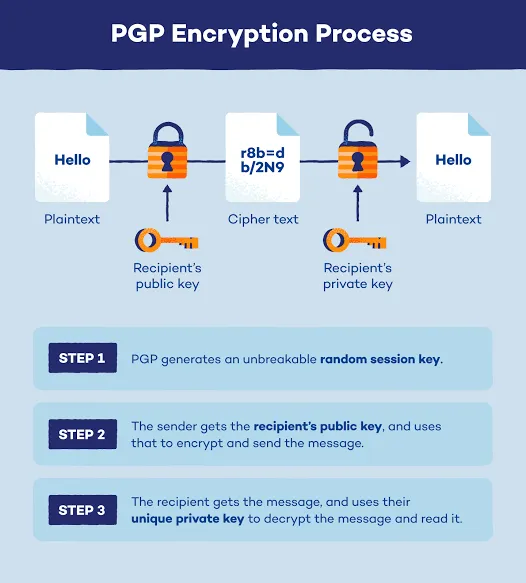
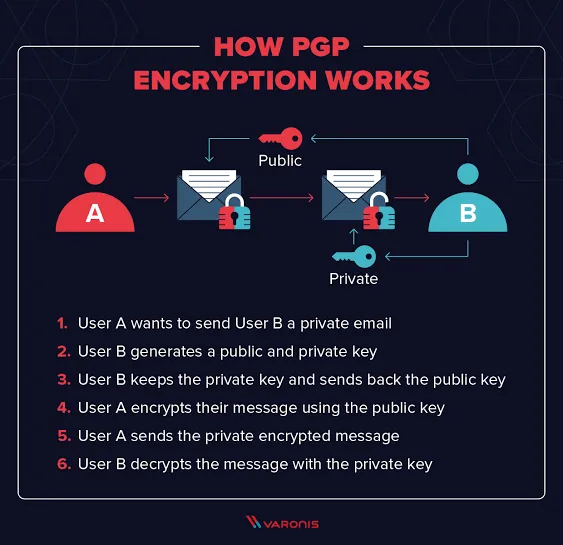
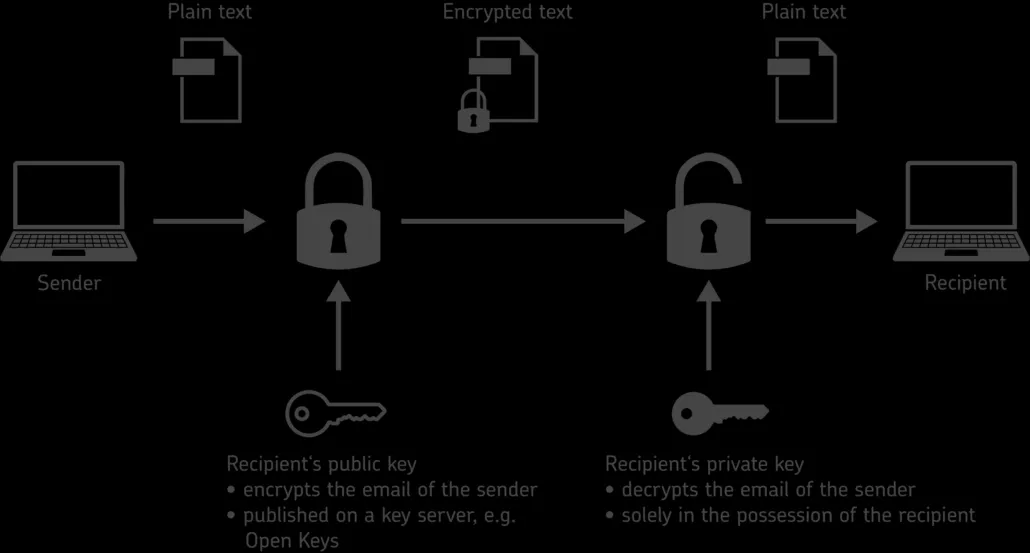
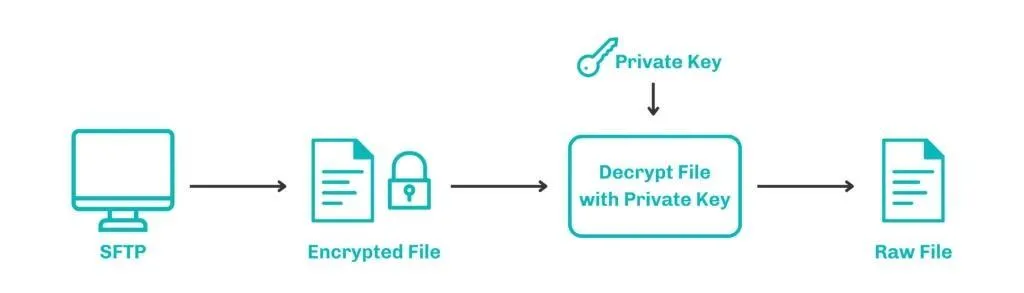
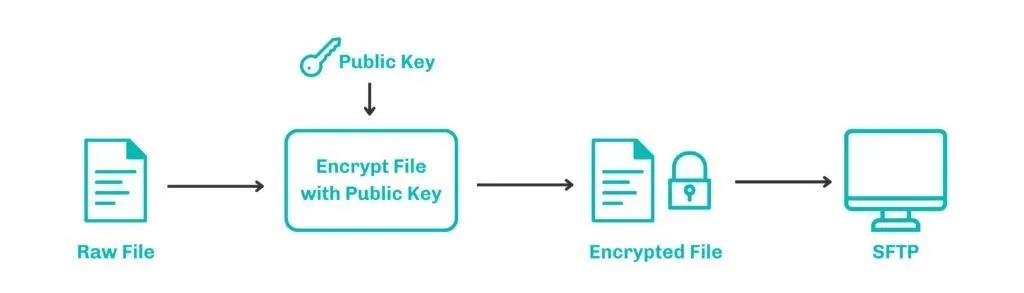
To write to someone, you need their public key. Your PGP tool uses it to encrypt the message, and the result is unreadable to anyone without the recipient's private key. The recipient decrypts it with their own private key.
PGP is also how some Zcash software releases are signed. The shows how to check a GPG signature before you run a download.